
Build a better browser.
Get more done.
A Chromium-based browser kernel and SDK with 20 kernel capabilities for automation, network interception, and fingerprint override. Integrate through extensions and JavaScript APIs to build browser products and automation tools. Support Windows, macOS, and Linux, customize your branding and appearance, and distribute within your license terms—so your team can focus on product features and user experience.
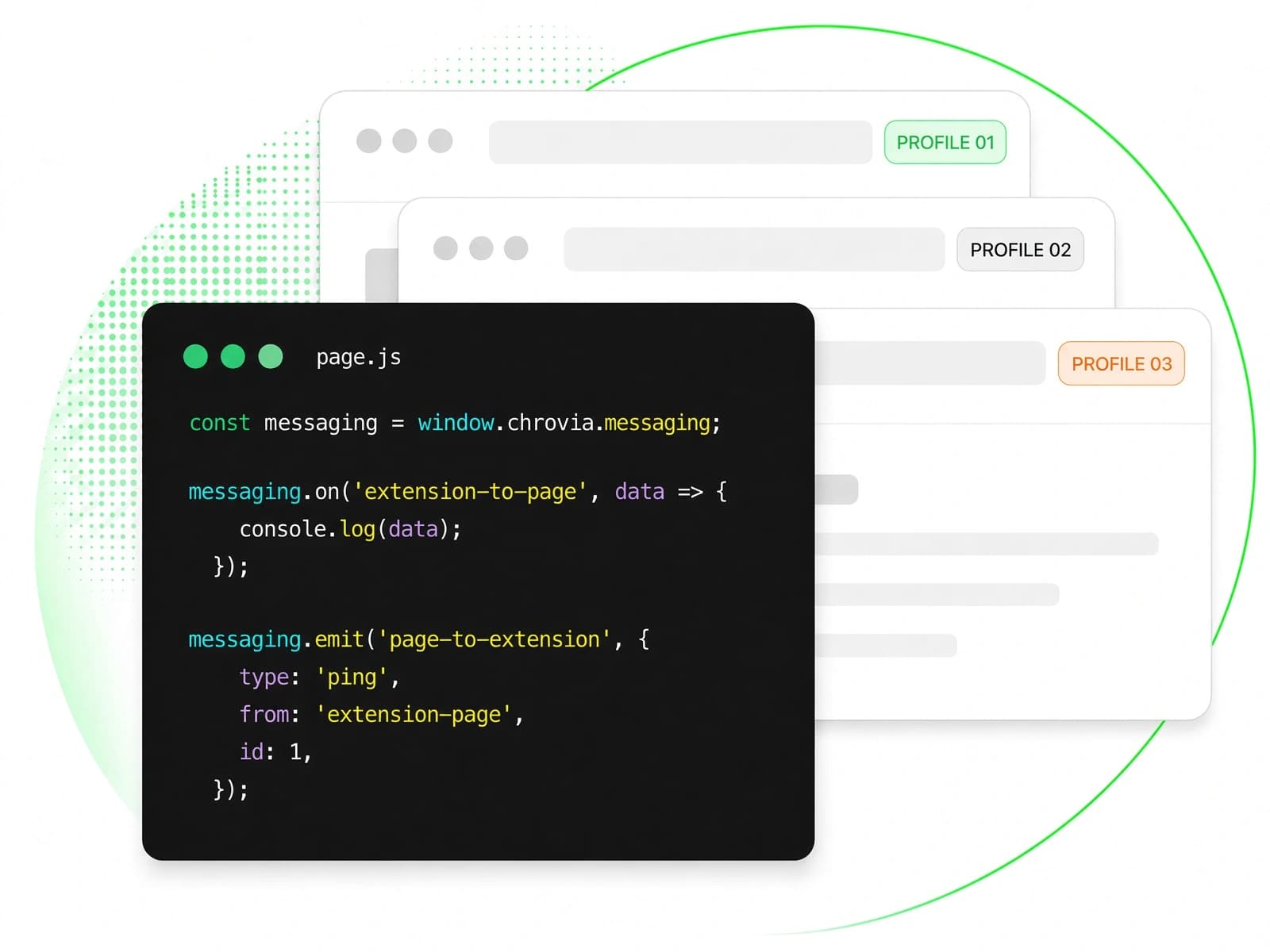
What is Chrovia
Let Chrovia handle common kernel capabilities so you can focus on product features and user experience.
Native kernel integration
20 built-in kernel capabilities
Simpler API integration
Cross-platform desktop
Custom branding and distribution
Pricing by time and capability
Our products
Two desktop apps built on the Chrovia SDK. Same kernel, different products.
PersonaHub
Antidetect browser & multi-accounting
Merca
Cross-border multi-store antidetect browser
Chrovia FAQ
Learn how PersonaHub and Chrovia SDK differ, how Chrovia Licenses work, where the Chrovia JS API runs, and how proxies are configured.
Should I choose PersonaHub or Chrovia SDK?
PersonaHub is an antidetect browser for multi-account management, built on the Chrovia browser kernel. It is designed for users who need to run multiple identities in isolated browser profiles, with no coding or License setup. Chrovia SDK is for developers who build their own browser products, automation tools, or web crawlers on the Chrovia kernel.
Do I need a Chrovia License to develop with Chrovia SDK?
Yes. Chrovia SDK requires a Chrovia License, which authorizes the kernel capabilities your browser can use. There are two types: trial and commercial. Each account can hold one active trial License at a time; it is valid for 30 days with a 200-hour monthly quota, and a new one must be requested after it expires. See the trial License guide.
How is the price of a commercial License calculated?
Commercial Chrovia Licenses are one-time purchases priced in USD, not auto-renewing subscriptions. The price is calculated from the operating systems and kernel capabilities you select, the validity period, and the monthly hour quota. See commercial License billing.
Which desktop operating systems does the Chrovia kernel support?
The Chrovia browser kernel supports Windows, macOS, and Linux desktops. Browser builds are downloaded from Chrovia Console; current builds and system requirements are listed in the trial License guide.
Where can the Chrovia JS API be used?
The Chrovia JS API is available only in browsers built on the Chrovia kernel; it cannot be used in Chrome or other Chromium browsers. Within a Chrovia browser, the API is exposed to Provision extensions bundled with the browser rather than to web pages, and each capability must be granted by your Chrovia License. See the Chrovia JS API overview.
Does Chrovia sell proxies, or do I need my own provider?
You need your own provider. Chrovia does not sell proxy services or require a specific provider. You can purchase proxies from any provider and configure them in PersonaHub or Chrovia SDK. See the proxy provider directory.
Build your own browser product on Chrovia
Start with local SDK demos, explore 20 kernel capabilities, and build browser products for Windows, macOS, and Linux.