
Fingerprint overrideNetwork interceptionAutomationMessagingSystem proxy overrideSoftware authenticatorInjected credentials
Chrovia SDK
Browser kernel development kit
Build browser products and automation tools with Chrovia SDK. Access 20 kernel capabilities through the Chrovia JS API, including fingerprint override, network interception, automation, password management, and software authenticators, with licensing tailored to your product. Follow the API guides to validate your integration, then bring the capabilities you need into your own extensions and browser workflows.
Native kernel extensions20 kernel capabilitiesThree desktop platforms
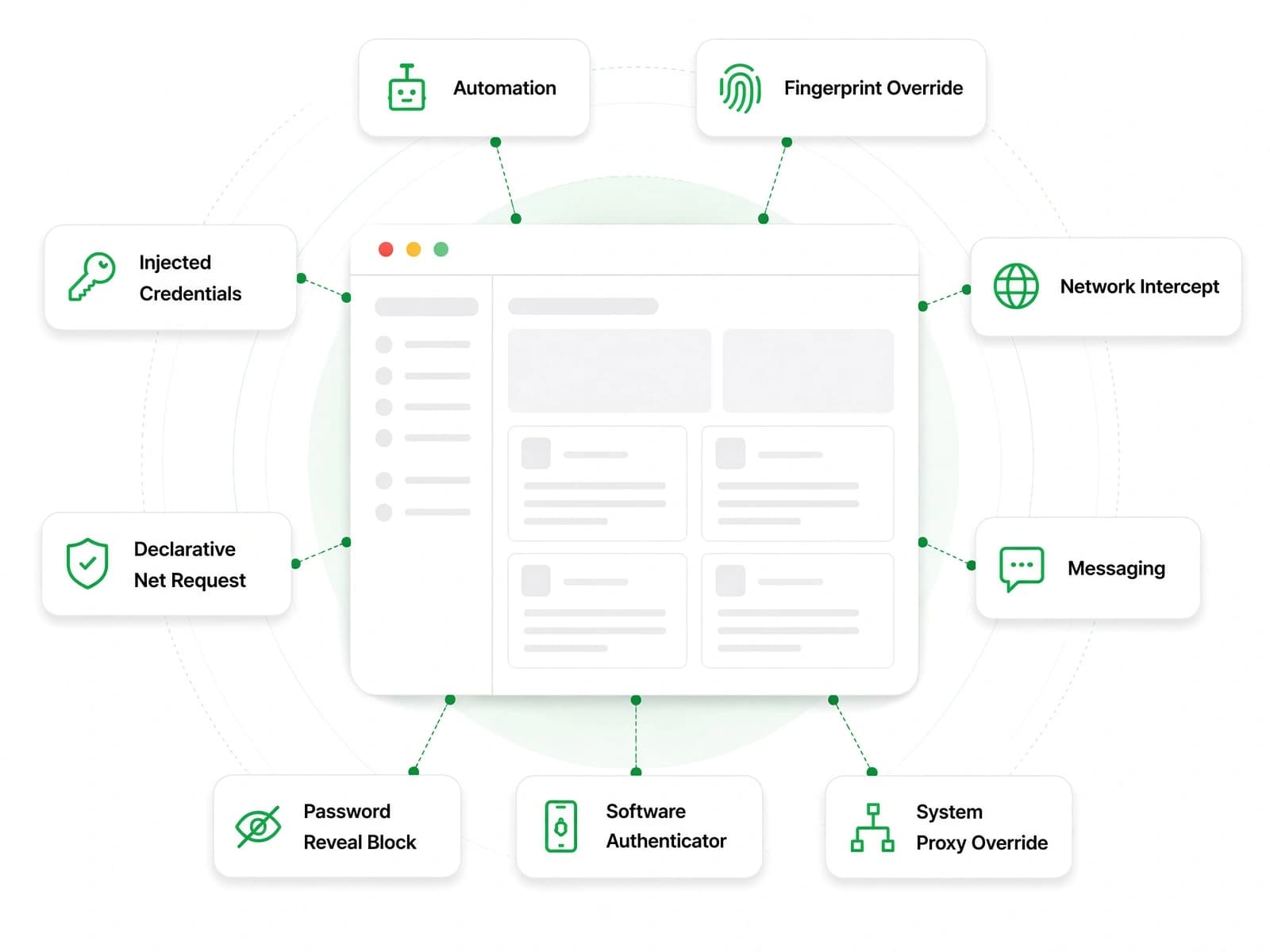
Capabilities
These kernel capabilities require a valid Chrovia License and the corresponding configuration.
Fingerprint Override
Override browser fingerprint fields per instance, including user agent, timezone, hardware, fonts, and rendering noise.
System Proxy Override
Set a fixed proxy or a two-hop proxy chain per instance through Extended Preferences, without changing the operating system's global proxy settings.
Injected Credentials
Inject website login credentials through Extended Preferences for autofill, without adding them to ordinary saved passwords.
Network Interception
Observe matching requests and responses, rewrite headers, parameters, or response bodies, or block requests as needed.
Saved-password Store
Read and write the instance password store from a Provision extension, with your product handling credential imports and change synchronization.
Software Authenticator
Use a software WebAuthn authenticator for passkey registration and verification, including headless browser workflows.
Automation
Build browser automation workflows with programmatic page control, deep DOM access, and trusted event dispatch.
Declarative Net Request
Configure static rules at the network layer to block, redirect, or allow requests by domain and URL pattern.
Disable DevTools
Disable DevTools and remote debugging through instance preferences to restrict browser debugging entry points.
Extended Preferences
Manage kernel and product settings through Extended Preferences, with your application reading, writing, and distributing instance configurations.
Instance Appearance
Give each instance its own name, color, and icon — tell them apart at a glance, and ship products with their own branding.
Instance Metadata
Expose host, OS, hardware, and brand fields to pages so sites can read and verify a consistent instance identity.
Messaging
Exchange structured messages live between pages and your extension service worker — wire kernel capabilities into full workflows.
Native Dialogs
Use native Chromium dialogs for alerts, confirmations, and notifications, giving pages access to browser-provided interfaces.
Navigation Redirects
Redirect navigation to chosen addresses by URL pattern before the request leaves — force navigation to approved destinations, or block risky ones.
Password Reveal Block
Restrict plaintext display, type changes, and copying in password fields to reduce credential exposure in shared environments.
Process Management
Let your host app start and stop the browser — spawn on demand, pass arguments, observe lifecycle events.
Signed Extended Preferences
The issuer signs selected configuration fields, and the browser verifies those signatures before applying them to protect settings from end-user changes.
Supervisor Process
Bind instances to a supervisor process; when it exits the browser closes too — no orphans in headless fleets.
Unrestricted API
Expose supported Chrovia JS APIs to ordinary pages and non-Provision Service Workers. Each API still requires its own entitlement; the passwords API remains Provision extension Service Worker-only.
Chrovia Studio
Run SDK demos locally with Chrovia Studio to explore messaging, network interception, credential management, and automation before integrating them into your product.
Runnable SDK demosRun messaging, network interception, credential management, and automation demos on the Chrovia kernel to see them in action.
Prototype on your machineSign in, launch demos locally, and refine SDK workflows before shipping.
The same kernel as the SDKStudio and the SDK use the same Chrovia kernel, so you can explore capability behavior and integration locally.